
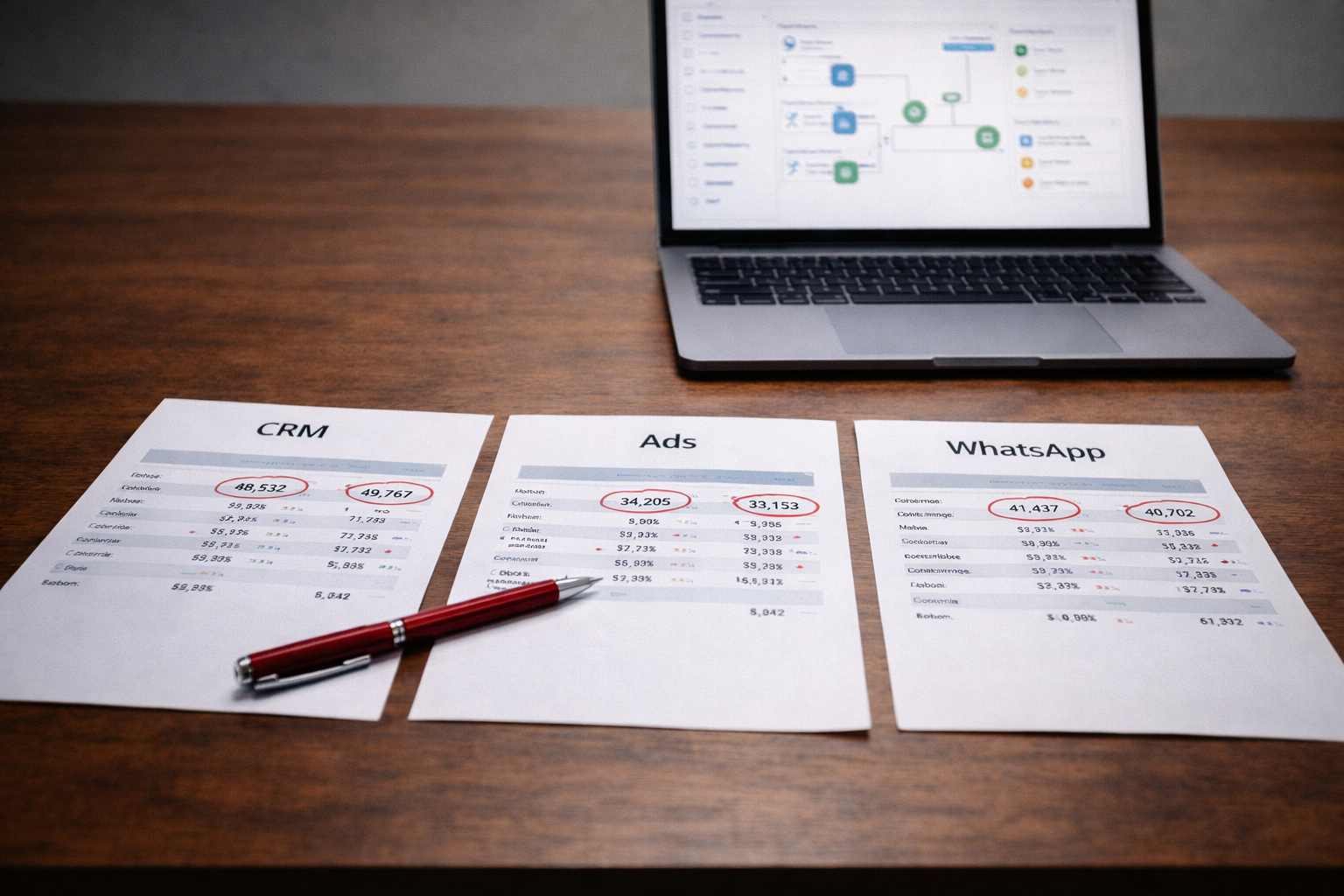
CRM, Ads, and WhatsApp Not Syncing? Here’s How to Fix Your Data Flow
When Systems Fall Out of Step
A common problem in growing businesses is simple to describe and difficult to fix. Leads come in from ads, conversations happen on WhatsApp, and customer data sits in a CRM. Each system works on its own, yet they fail to stay in sync.
The result is confusion. Sales teams follow up late. Marketing teams cannot track performance accurately. Reports do not match across platforms.
This is not a tool problem. It is a data flow problem.
Product Siddha approaches such issues by treating the entire system as one connected flow. Fixing the sync requires careful tracing, not quick adjustments.
What “Not Syncing” Really Means
When systems do not sync, the issue usually appears in one of the following ways:
- Leads captured in ads do not appear in the CRM
- WhatsApp conversations are not linked to customer records
- Campaign data does not reflect actual conversions
- Duplicate or missing entries across platforms
These symptoms point to gaps in how data moves between systems.
Step 1 – Map the Full Data Journey
Begin by tracing how data should move.
A typical flow looks like this:
- User clicks on an ad
- Lead data is captured
- Data is sent to CRM
- Sales team engages via WhatsApp
- Updates are recorded back in the system
Write down each step. Identify where the flow breaks.
In From Lead to Site Visit – Voice AI Automation for a Real Estate Platform, mapping the journey revealed delays between lead capture and follow-up. Fixing that gap improved conversions.
Clarity at this stage is essential.
Step 2 – Check Data Entry Points
Data flow begins at the source.
Review how leads are captured from ads. Ensure that forms, tracking links, and APIs are working correctly.
Small errors at this stage can block the entire system.
For example:
- Incorrect field mapping
- Missing parameters
- Broken form submissions
Fixing entry points often resolves major syncing issues.
Step 3 – Verify CRM Integration
The CRM acts as the central system.
Check whether incoming data is reaching the CRM in real time. Confirm that fields are mapped correctly and records are created without duplication.
In HubSpot Marketing Hub Setup for a Growing Fintech Brand, aligning data fields across systems ensured that marketing and sales worked with the same information.
A well-configured CRM is critical for stable data flow.
Step 4 – Inspect WhatsApp Connectivity
WhatsApp integration adds another layer.
Ensure that conversations are linked to the correct customer records. Verify that messages trigger updates in the CRM.
Common issues include:
- Unlinked phone numbers
- Delayed message syncing
- Missing conversation logs
In AI Automation Services for French Rental Agency MSC-IMMO, improving communication flow required connecting messaging systems directly with operational data. This reduced delays and improved response quality.
Messaging systems must be treated as part of the data ecosystem.
Step 5 – Standardize Data Formats
Different systems store data in different formats.
Standardize fields such as:
- Phone numbers
- Email addresses
- Campaign identifiers
Inconsistent formats lead to mismatches and duplicate records.
A simple rule such as using one format for phone numbers can prevent multiple issues.
Step 6 – Review API and Integration Health
Most syncing depends on APIs.
Check whether APIs are active, authenticated, and functioning as expected. Monitor for errors or rate limits that may interrupt data flow.
API failures often go unnoticed until problems accumulate.
Step 7 – Eliminate Duplicate Data Paths
Over time, multiple integrations may be added.
This can create duplicate data flows, where the same lead enters the system through different paths.
Review all integrations and remove redundant connections. A single, clear path improves reliability.
Step 8 – Test the Entire Flow
Once fixes are applied, test the system end-to-end.
Create sample leads, track them through each stage, and verify outputs.
Testing should confirm:
- Data appears in the CRM
- WhatsApp conversations are linked
- Campaign data is recorded correctly
This step ensures that all parts work together.
Step 9 – Set Up Monitoring and Alerts
After fixing the system, ongoing monitoring is necessary.
Set alerts for:
- Failed data transfers
- Missing records
- Delayed updates
Early detection prevents larger issues.
Broken vs Synced Data Flow
| Aspect | Broken Data Flow | Synced Data Flow |
|---|---|---|
| Lead Tracking | Incomplete | Accurate |
| Communication | Disconnected | Linked to records |
| Reporting | Inconsistent | Reliable |
| Team Efficiency | Reduced | Improved |
| Decision Making | Delayed | Timely |
A Grounded View
Data flow issues rarely come from one major failure. They build from small gaps across systems.
Fixing them requires patience and a clear process. Each step must be verified, and each connection must be reliable.
Product Siddha focuses on building systems where data moves smoothly across platforms. The aim is to create consistency that teams can rely on.
Final Reflection
When CRM, ads, and WhatsApp stop syncing, the impact spreads across the business. Leads are lost, teams lose confidence in data, and decisions slow down.
A structured approach restores order. By mapping the flow, fixing inputs, and strengthening integrations, businesses can rebuild a system that works as expected.
Reliable data flow is not a luxury. It is a foundation for growth.