
How to Create a Real Estate Social Media Calendar with AI
A Clear Starting Point
Real estate teams often face a familiar challenge. They know social media matters, yet daily posting becomes uneven. Some weeks bring many updates, while the next week goes quiet. A structured Real Estate Social Media Calendar AI approach solves this problem by helping agents plan messages with steadier timing and stronger clarity.
Most teams do not require complicated methods. What they need is a clear list of property updates, local insights, and client stories arranged in an organized pattern. When done correctly, the calendar becomes a map that guides posting decisions for the entire month.
Why Real Estate Firms Benefit from AI Planning
Real estate content moves quickly. Homes enter the market, prices shift, and community events change. AI helps by reading patterns in your listings, audience behavior, and past engagement. It turns scattered ideas into a simple schedule that agents can follow.
This type of structured support reminds us of the voice automation project in the Product Siddha case study titled From Lead to Site Visit – Voice AI Automation for a Real Estate Platform. In that project, AI turned an unpredictable inquiry process into a clear sequence of steps. A similar logic applies to social content planning. AI does not replace the agent’s judgment. It simply brings order where manual work becomes difficult.
Step 1: Gather Your Content Sources
Before building a Real Estate Social Media Calendar AI system, collect the material that forms the base of your posts. Most firms use the following groups of information.
- Property listings
- Client questions
- Market observations
- Community highlights
- Behind the scenes updates
- Agent introductions
A practical example comes from a real estate team in North Carolina that kept three separate spreadsheets for listings, photos, and market notes. When they combined these into a single folder and fed the information into an AI assistant, their posts became more consistent because the AI could read the entire set at once.
Step 2: Sort Your Posts by Category
AI can arrange your topics more effectively when the categories are clear. Most real estate teams use five to seven types of posts. Here is a sample grouping.
| Category | Example Use |
|---|---|
| New listings | Fresh inventory |
| Open houses | Scheduled visits |
| Market insights | Local data |
| Client stories | Testimonials |
| Agent profiles | Team building |
| Community updates | Local events |
| Educational posts | Buying and selling tips |
When AI receives these categories, it recommends frequency patterns. For example, an agent might share a market insight every Tuesday, a community update each Friday, and new listings as they appear.
Step 3: Identify the Posting Rhythm
The most useful Real Estate Social Media Calendar AI systems avoid over posting and under posting. They create rhythm. AI studies your past posts and engagement to find the right timing.
A mid sized brokerage in Toronto discovered that its audience interacted most with property posts early in the week and with community stories toward the weekend. Once they followed this rhythm, their page reached more local buyers and sellers without increasing the number of posts.
Step 4: Build the Monthly Calendar
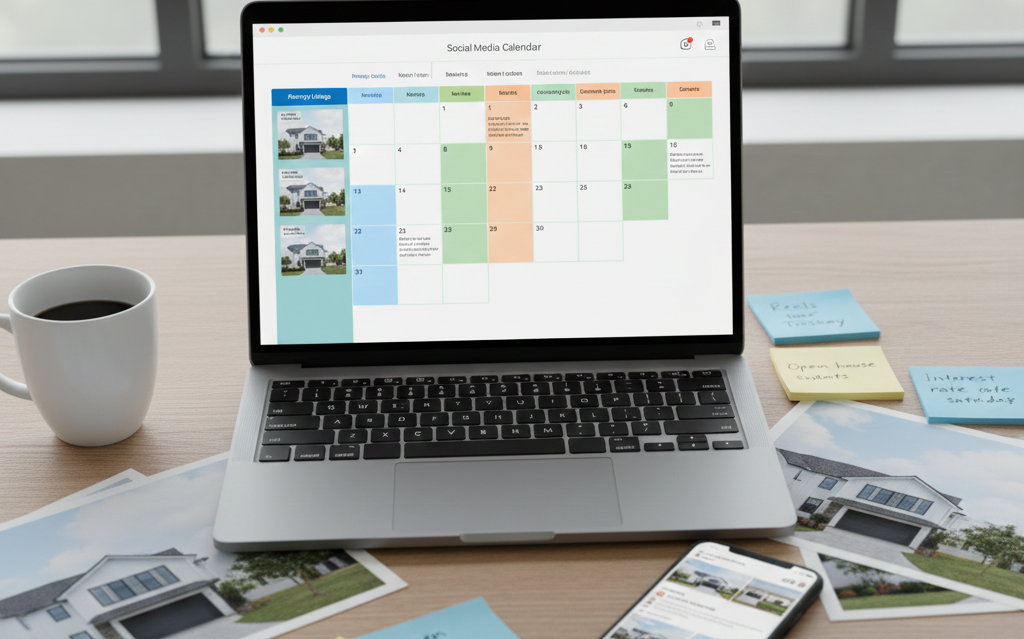
When your categories and rhythm are ready, AI arranges the plan. The calendar usually takes this form.
| Date | Category | Post Idea | Notes |
|---|---|---|---|
| June 1 | Listing | New townhouse in central district | Include video tour |
| June 3 | Market insight | Price trend update | Use chart |
| June 5 | Community | Local summer event | Add photo |
| June 7 | Education | First time buyer guidance | Short caption |
| June 9 | Client story | Family buying their first home | Use quotation |
This layout keeps the work simple. The brokerage can see the entire month with clarity. AI fills any gaps, such as missing captions or repeated topics.
Step 5: Add Visual Assets with AI Assistance
Images and short video clips strengthen real estate posts. AI tools can organize your media folder by tagging interiors, exteriors, neighborhoods, and floor plans. This helps agents find suitable visuals quickly.
One team in Seattle stored years of property images without any naming structure. After they used an AI tool to group the images by room type and property style, it became easier to pick the right photo for each scheduled post.
AI can also suggest the best format. For example:
- A new listing benefits from a photo carousel.
- A market update works well with a chart.
- A client story becomes stronger with a natural portrait.
Step 6: Keep the Calendar Dynamic
A Real Estate Social Media Calendar AI system should not feel rigid. Real estate moves quickly, and the calendar must adapt.
AI helps by watching for sudden changes, such as new listings or price adjustments. It also flags low performing posts and suggests alternatives.
This approach resembles the method used in the Product Siddha case study titled Built Custom Dashboards by Stage. In that project, the team created live dashboards that changed as new information entered the system. A similar kind of flexibility keeps your social calendar relevant throughout the month.
Step 7: Review Results Each Month
With your first calendar completed, use AI to review the data. Most firms measure:
- Engagement
- Lead inquiries
- Post reach
- Click-through patterns
- Property visits triggered by posts
A real estate team in Florida discovered that short educational videos consistently brought more inquiries than photo posts. Once this pattern appeared, they created more educational material and placed those posts in stronger positions in the calendar.