
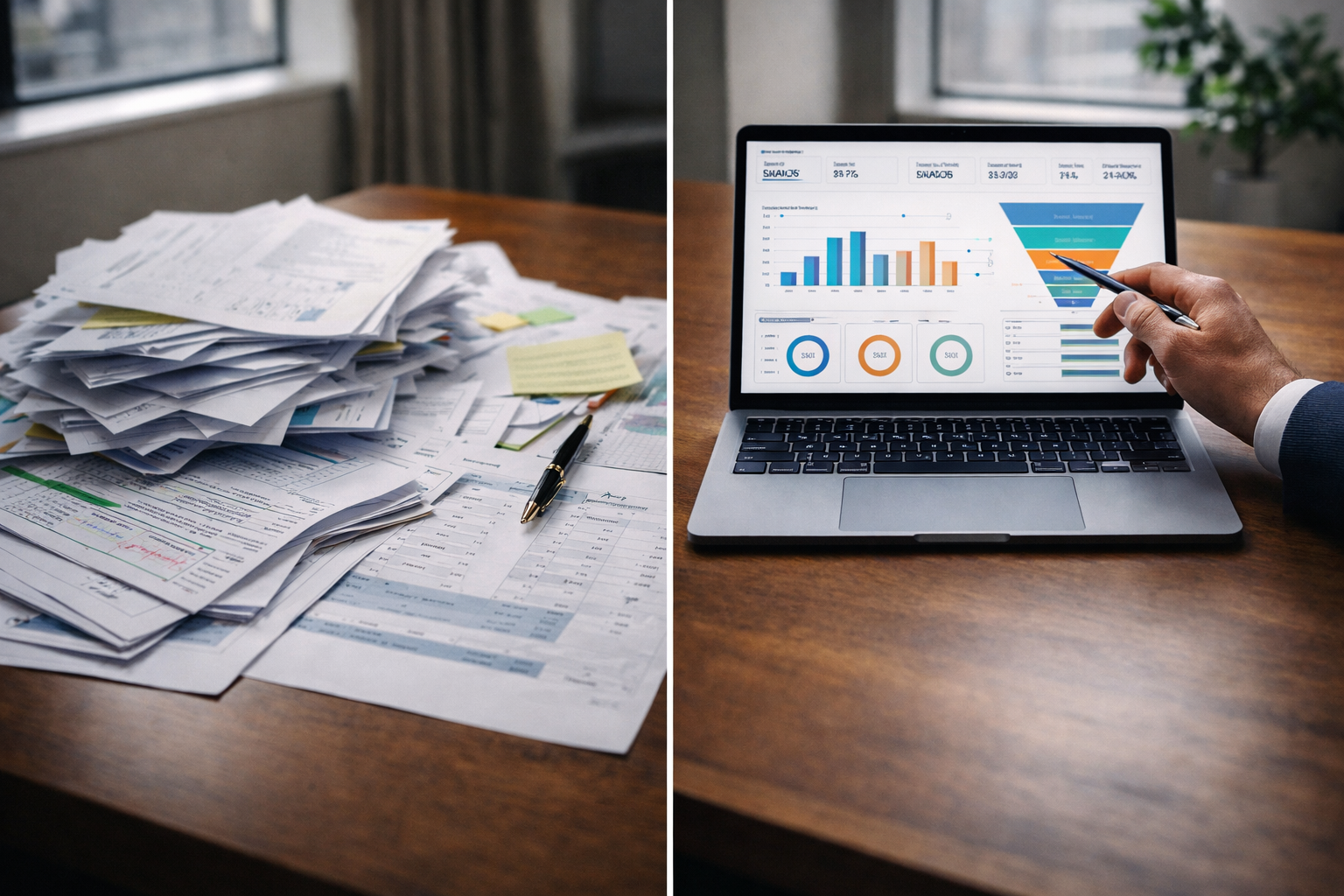
How to Replace Manual Reporting with Real-Time Dashboards (Step-by-Step)
The Reporting Shift
Manual reporting often begins as a simple process. A few spreadsheets, weekly updates, and shared documents seem manageable in the early stages. Over time, the effort grows. Data comes from multiple sources, reports take longer to prepare, and numbers do not always match.
Real-time dashboards solve this problem by creating a single, reliable view of data. They reduce manual effort and allow teams to act on current information instead of outdated summaries.
At Product Siddha, this shift is approached as a structured transition rather than a quick replacement. The goal is not just to build dashboards, but to build trust in data.
Step 1 – Map Your Current Reporting Process
Start by understanding how reporting works today.
List all reports created by your team. Identify where the data comes from, who prepares it, and how often it is updated. This step often reveals hidden inefficiencies.
For example, one team may pull marketing data weekly while another updates sales numbers daily. These differences create inconsistency.
Documenting the current state helps define what needs to change.
Step 2 – Identify Key Metrics
Not every number needs to be on a dashboard.
Focus on metrics that influence decisions. These may include conversion rates, revenue, user activity, or campaign performance.
In Product Analytics & Full-Funnel Attribution for a SaaS Coaching Platform, clarity came from narrowing down metrics to those that directly affected growth. This reduced noise and improved decision making.
A clear set of metrics keeps dashboards useful and easy to understand.
Step 3 – Consolidate Data Sources
Manual reporting often relies on multiple platforms.
Bring these sources together into a unified system. This may include:
- CRM data
- Advertising platforms
- Website analytics
- Internal databases
The goal is to create a single flow of data. Without this step, dashboards will reflect the same inconsistencies as manual reports.
Step 4 – Build a Data Pipeline
A data pipeline collects, processes, and prepares data for visualization.
This step involves:
- Extracting data from sources
- Cleaning and standardizing it
- Storing it in a central location
In Built Custom Dashboards by Stage, structured pipelines ensured that each stage of the funnel had accurate and consistent data. This made dashboards reliable across teams.
A well-designed pipeline is the foundation of real-time reporting.
Step 5 – Choose the Right Dashboard Structure
Dashboards should match how teams work.
Instead of creating one large dashboard, consider separate views for different functions. Marketing, sales, and leadership may need different perspectives.
Each dashboard should answer a specific question. For example:
- How are campaigns performing
- Where are users dropping off
- Which channels drive revenue
Clear structure improves usability.
Step 6 – Automate Data Updates
Real-time dashboards depend on automated updates.
Set up schedules or real-time data flows so that information stays current. This removes the need for manual refreshes.
In Driving Growth for a U.S. Music App with Full-Stack Mixpanel Analytics, automated tracking allowed teams to monitor user behavior continuously. This enabled faster adjustments and better engagement.
Automation is what separates dashboards from static reports.
Step 7 – Validate Data Accuracy
Before relying on dashboards, verify the data.
Compare dashboard numbers with existing reports. Check for differences and resolve them. This step builds confidence among stakeholders.
Even small discrepancies can reduce trust. Careful validation prevents this issue.
Step 8 – Train Teams to Use Dashboards
A dashboard is only useful if teams understand it.
Provide simple guidance on how to read metrics and interpret trends. Encourage teams to use dashboards in regular discussions.
In HubSpot Marketing Hub Setup for a Growing Fintech Brand, adoption improved when teams aligned their workflows with dashboard insights. This ensured that data was actively used.
Training turns dashboards into decision tools.
Step 9 – Replace Manual Reports Gradually
Do not remove manual reporting all at once.
Run dashboards alongside existing reports for a short period. This allows teams to adjust and verify accuracy.
Once confidence is established, phase out manual reports. This reduces resistance and ensures a smooth transition.
Step 10 – Review and Improve
Dashboards should evolve with the business.
Review them regularly. Remove unused metrics and add new ones as needed. Continuous improvement keeps dashboards relevant.
Manual Reporting vs Real-Time Dashboards
| Aspect | Manual Reporting | Real-Time Dashboards |
|---|---|---|
| Update Frequency | Periodic | Continuous |
| Effort Required | High | Low |
| Data Accuracy | Prone to errors | Consistent |
| Decision Speed | Slow | Immediate |
| Scalability | Limited | High |
A Grounded View
Replacing manual reporting is not only a technical upgrade. It is a shift in how teams interact with data.
The process requires planning, validation, and training. When done carefully, it reduces effort and improves clarity.
Product Siddha focuses on building systems that support long-term use. The aim is to ensure that dashboards remain reliable as the business grows.
Final Note
Real-time dashboards bring structure to data and speed to decision making. They remove repetitive work and provide a consistent view of performance.
The transition may take time, but the benefits are lasting. With a clear step-by-step approach, organizations can move from manual reporting to a more efficient and reliable system.