Creating Internal Admin Dashboards Through Vibe Coding
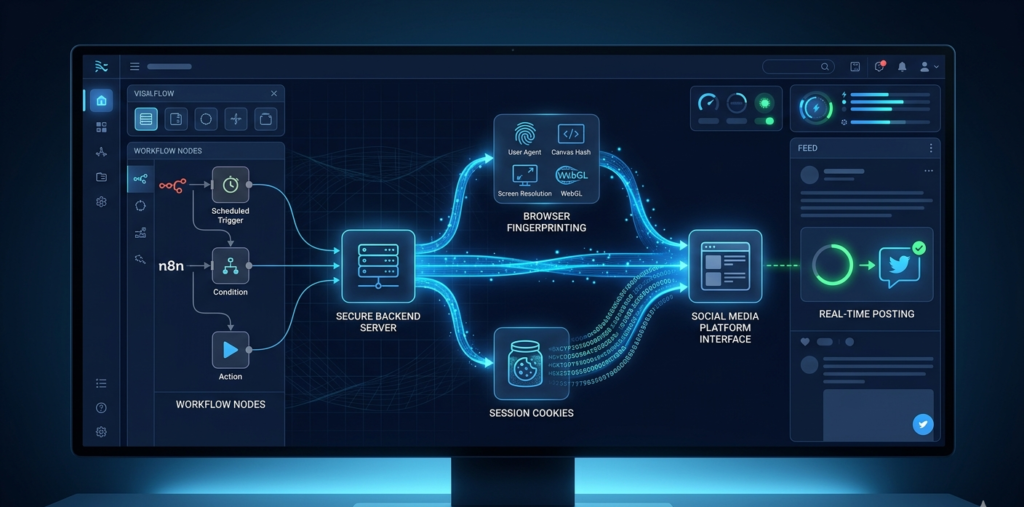
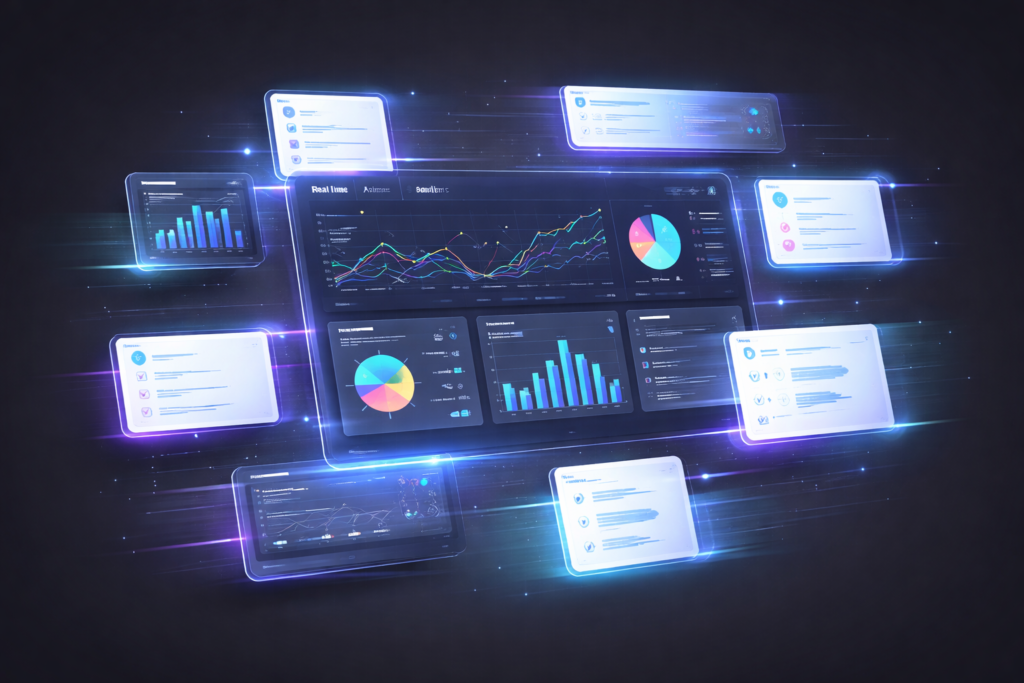
Creating Internal Admin Dashboards Through Vibe Coding A Different Way to Build Internal dashboards often start simple and become complex over time. You begin with: A few metrics A clear use case But slowly: More requirements get added Changes take longer Teams stop using the dashboard This happens because dashboards are built as fixed systems, while business needs are constantly changing. A more practical approach is emerging – often called “vibe coding.” At Product Siddha, we combine this mindset with AI-assisted development (Claude Code / Codex) and modern open-source tools to build dashboards that evolve quickly. What “Vibe Coding” Actually Means (Practically) Instead of writing full specifications upfront, you: Build a basic version Let users interact with it Improve it continuously using feedback Now with AI coding tools, this becomes even faster. You don’t just iterate manually – you: Ask AI to generate components Modify UI using prompts Refactor code instantly How We Actually Build This (AI + Real Tools) Here’s the real stack + workflow we use at Product Siddha Step 1: Start with an Open-Source Base (GitHub Inspiration) Instead of building from scratch, we take inspiration from proven repos like: Admin dashboards built with Next.js + Tailwind Analytics dashboards using Supabase + React BI-style tools like: React Admin dashboards Supabase dashboard templates Open-source analytics panels Typical stack: Frontend → React / Next.js Backend → Node.js / Supabase Database → PostgreSQL Charts → Recharts / Chart.js This reduces build time by 60-70% immediately. Step 2: Use AI (Claude Code / Codex) to Generate the First Version Instead of manually coding everything, we prompt AI like this: Example Prompt (Dashboard UI) Build a simple admin dashboard using Next.js and Tailwind. Requirements: – KPI cards (Revenue, Leads, Conversion Rate) – Table of recent leads – Line chart for weekly performance – Clean minimal UI Example Prompt (Backend API) Create a Node.js API that: – Fetches lead data from PostgreSQL – Aggregates daily metrics – Returns JSON for dashboard charts AI tools like: Claude Code Codex (OpenAI) Help generate: UI components API routes Data models This is the core of vibe coding with AI. Step 3: Connect Real Data (Critical Step) We then connect the dashboard to actual systems: CRM (HubSpot / Salesforce) Marketing tools Product databases Using: APIs Webhooks Automation tools Step 4: Automate Data Flow (AI Automation Services Layer) At Product Siddha, we set up: Zapier / Make / n8n → Data syncing ETL pipelines → Data transformation Real-time updates → Webhooks Example: New lead in CRM → Sent to database → Dashboard updates automatically Step 5: Iterate Using AI (This is the “Vibe” Part) Instead of redesigning manually, we use AI prompts: Example Prompt (Iteration) Improve this dashboard: – Reduce clutter – Highlight high-priority metrics – Add color-coded alerts for low conversion rates Example Prompt (Feature Addition) Add a filter to the dashboard: – Filter by date range – Filter by lead source – Update all charts dynamically This allows continuous improvement without slowing down development. Step 6: Add Intelligence (AI Layer) We enhance dashboards with AI: Auto summaries: “Leads dropped 18% this week due to lower ad spend” Alerts: “Conversion rate below threshold” Recommendations: “Increase follow-up speed for high-intent leads” End-to-End Workflow Idea → GitHub Base → AI Code Generation → Data Integration → Automation → Iteration → AI Insights Why This Approach Works Better Factor Traditional Dashboard AI + Vibe Coding Development Speed Slow Fast Flexibility Low High Iteration Difficult Continuous Maintenance Heavy Lightweight User Adoption Low High How Product Siddha Builds This for You We don’t just build dashboards – we build adaptive systems. Our Approach: Start with a working base (GitHub templates) Use AI (Claude / Codex) for rapid development Connect real business data Automate pipelines using AI Automation Services Continuously improve using usage feedback Common Mistakes We Help Avoid Over-engineering dashboards early Building without real data Ignoring user behavior Not using AI for iteration Treating dashboards as “final products” Measuring Success We focus on real outcomes: Daily active usage Faster decision-making Reduced reporting effort Data accuracy Feature adoption rate Closing Insight Dashboards should not be static tools – they should evolve with your business. With: AI coding tools (Claude Code, Codex) Open-source foundations (GitHub projects) Automation pipelines You can build dashboards that: Launch fast Adapt continuously Stay useful At Product Siddha, this is how we approach internal tools. Because the goal is not to build dashboards – it’s to build systems teams actually use.